
OSG USB Wireless Video Game Console Stick | Built-in 3000 Retro Classic Games | 8-Bit Mini Controllers | HDMI Output | Dual Player 4K Ultra HD Gaming
Product Overview
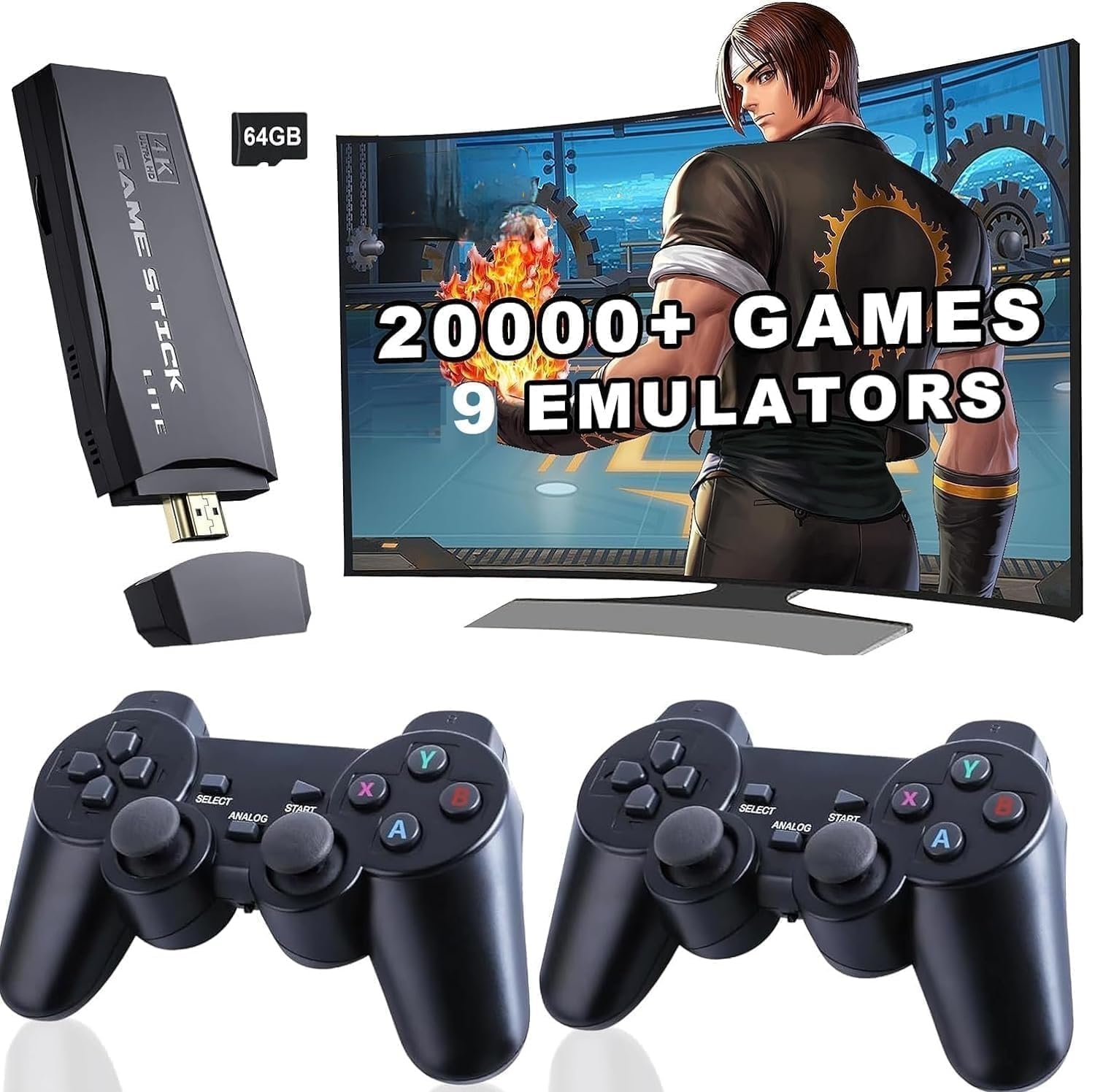
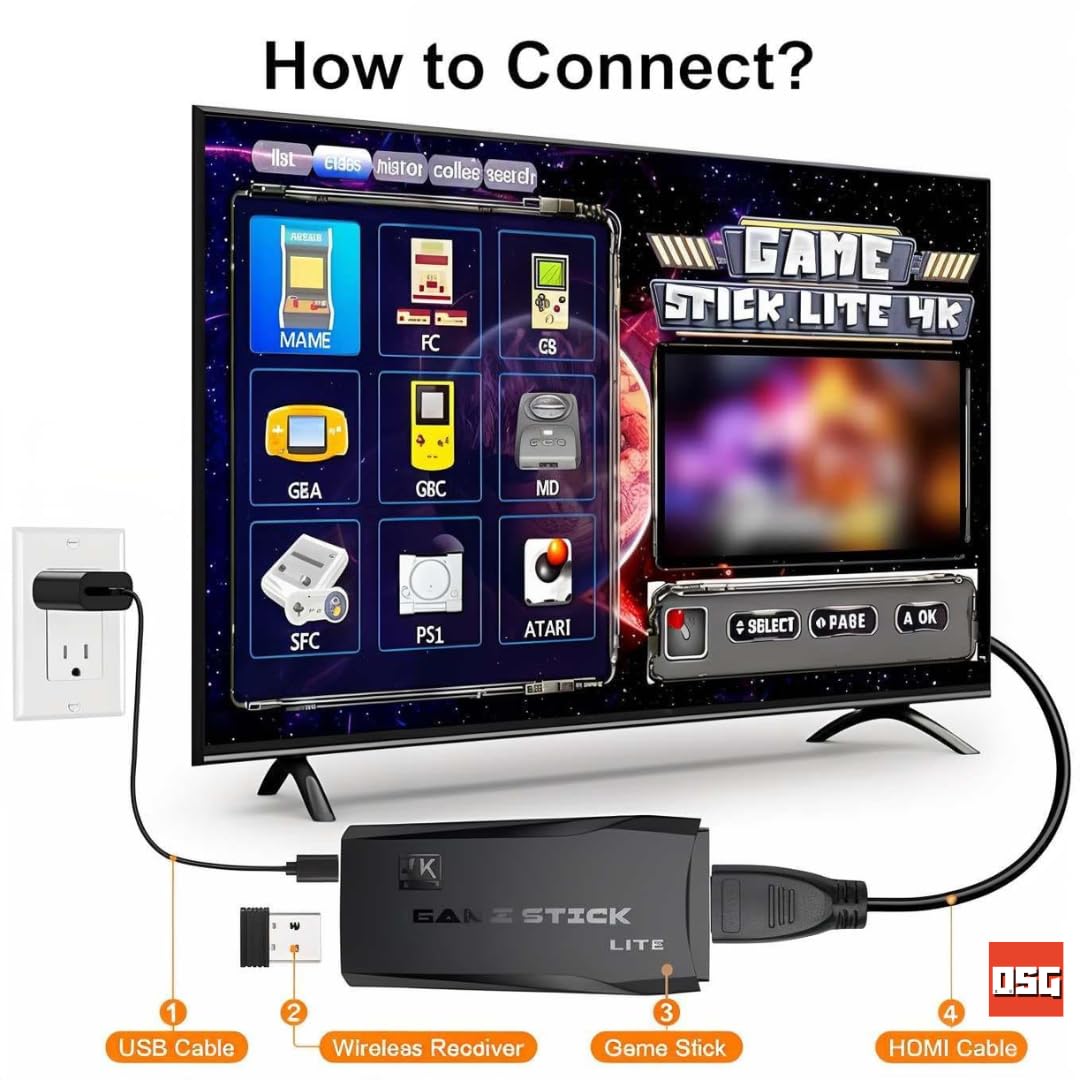
Product Description Specifications: Condition: Brand New Player: Support 1~2 players Emulator: MAME, FC, GB, GBA, GBC, MD, SFC, PS1, ATARI Language: Support multiple languages Color: Black How To Connect 1) Connect Game Stick to TV HDMI slot. 2) Connect power cable to Game Stick and power adapter or other USB power output slot. 3) Adjust the TV signal source to the HDMI channel, and display the game list. Tips: 1) Exit game: Press SELECT + START for Quit game 2) Each gamepad needs 2 x AAA batteries(not included). 3) Support multiple languages. The language of game list can be changed easily. Package Included: 1 x Game Stick 1 x Power Cable 1 x HDMI Extension Cable 2 x Wireless Gamepads 1 x USB Controller Receiver Download Game Steps : Step 1: Download game file Step 2: Connect the TF card to the computer with the card reader Step 3: Copy the game files to the corresponding folder (the name of the emulator) Step 4: Insert the card into the game console, close the game console and turn it on Step 5: Find your game and start playing (you can use the search function) product type - retro game
Product Details
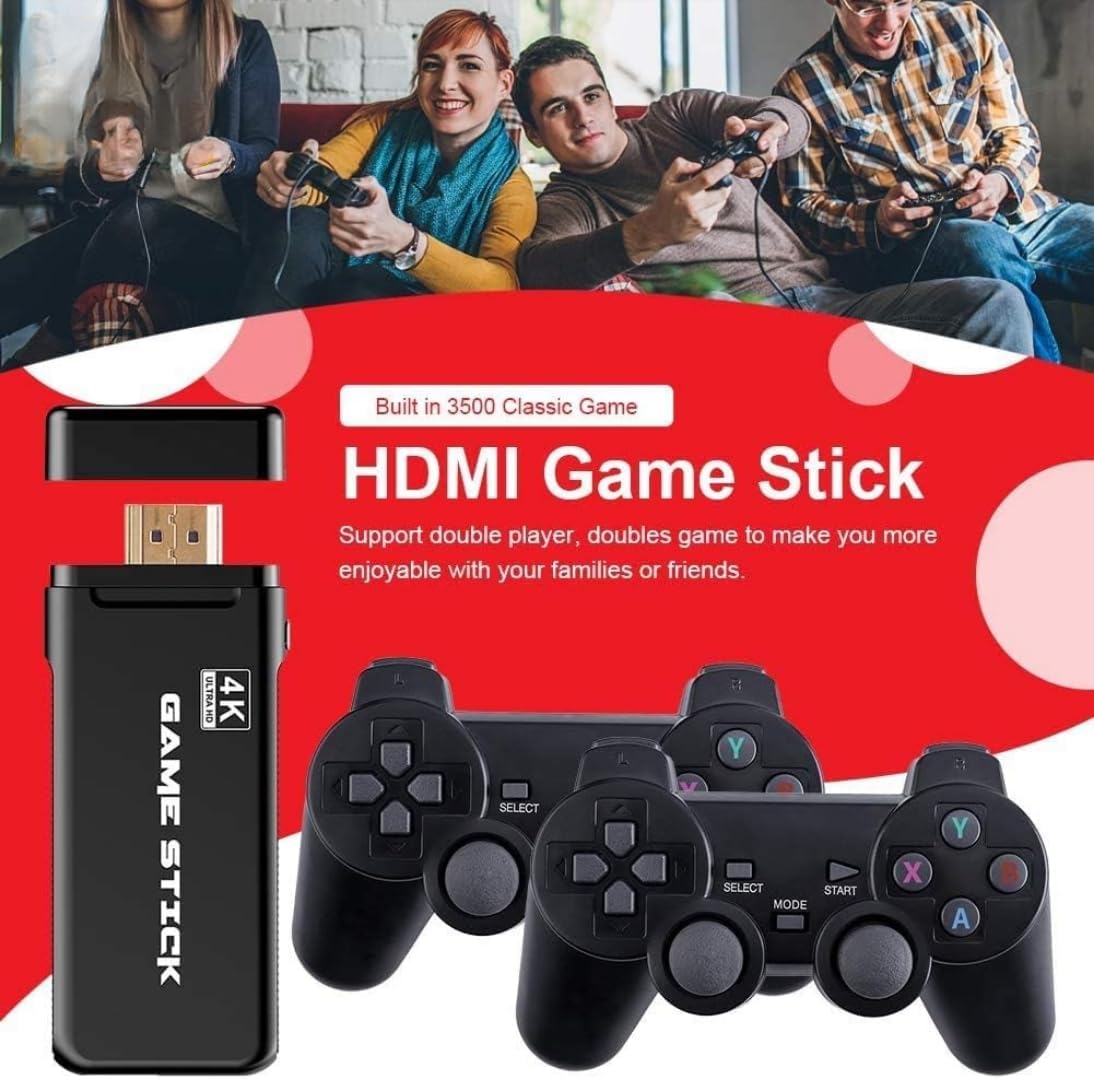
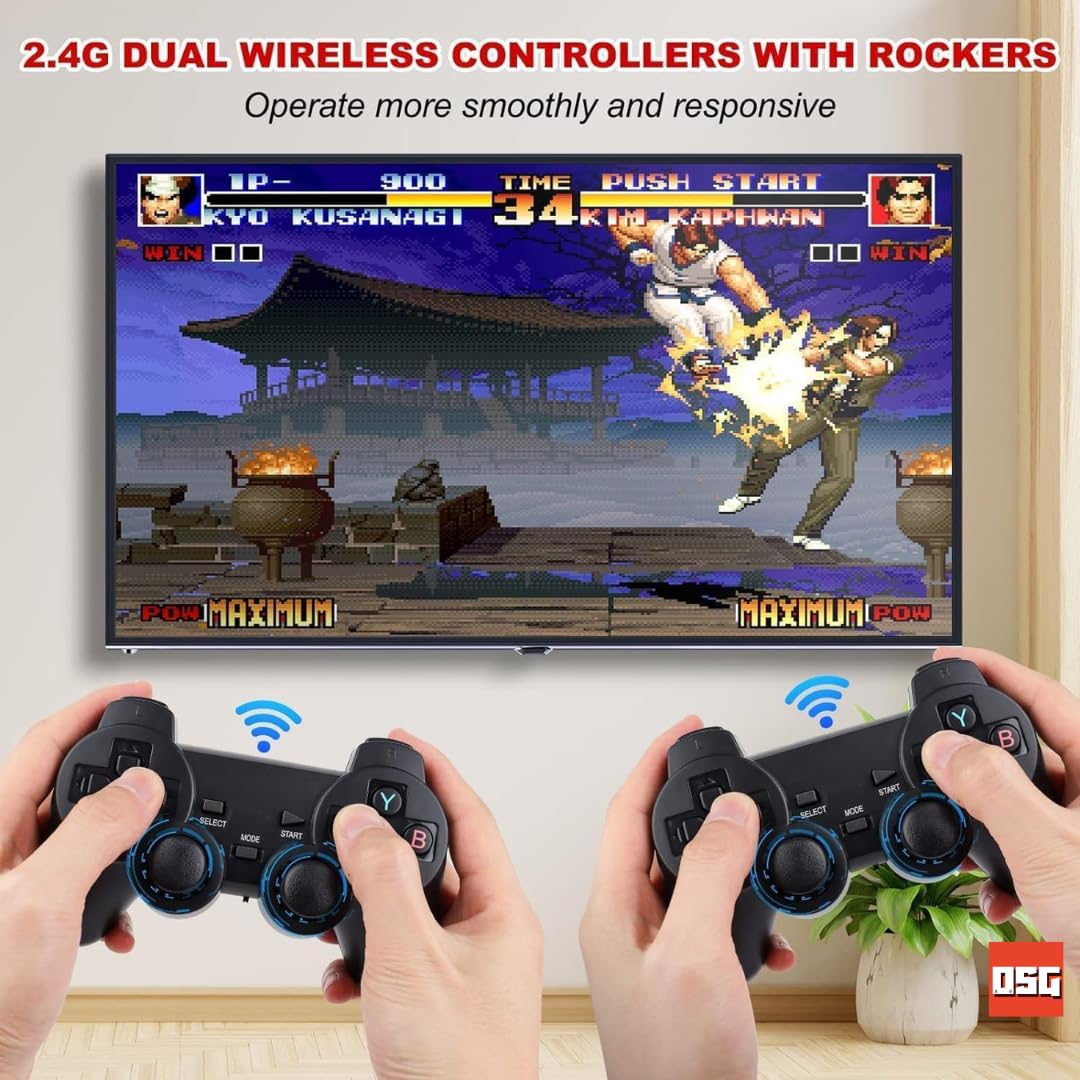
| Key Features: 3000 Classic Games Built-In: Enjoy a massive collection of iconic games without needing additional downloads or cartridges. Mini Retro Controllers: Ergonomically designed wireless controllers for a comfortable and nostalgic gaming experience. HDMI Output for 4K Ultra HD: Experience retro gaming like never before with crisp visuals on modern TVs and monitors. Dual-Player Mode: Perfect for sharing the fun with family and friends during game nights. Portable & Plug-and-Play: Compact, lightweight, and easy to set up-simply plug in the USB game stick, and you’re ready to play. |